Start
Open folder or ZIP
Choose the host project without uploading it.
Files4 editable
StorageHost computer
 LocalLeaf
Free. Local. Yours.
Windows 10 / 11 and macOS. Latest release: v0.1.22
Preview
Start with a LaTeX folder or ZIP. LocalLeaf keeps the working copy on the host computer.
Choose the host project without uploading it.
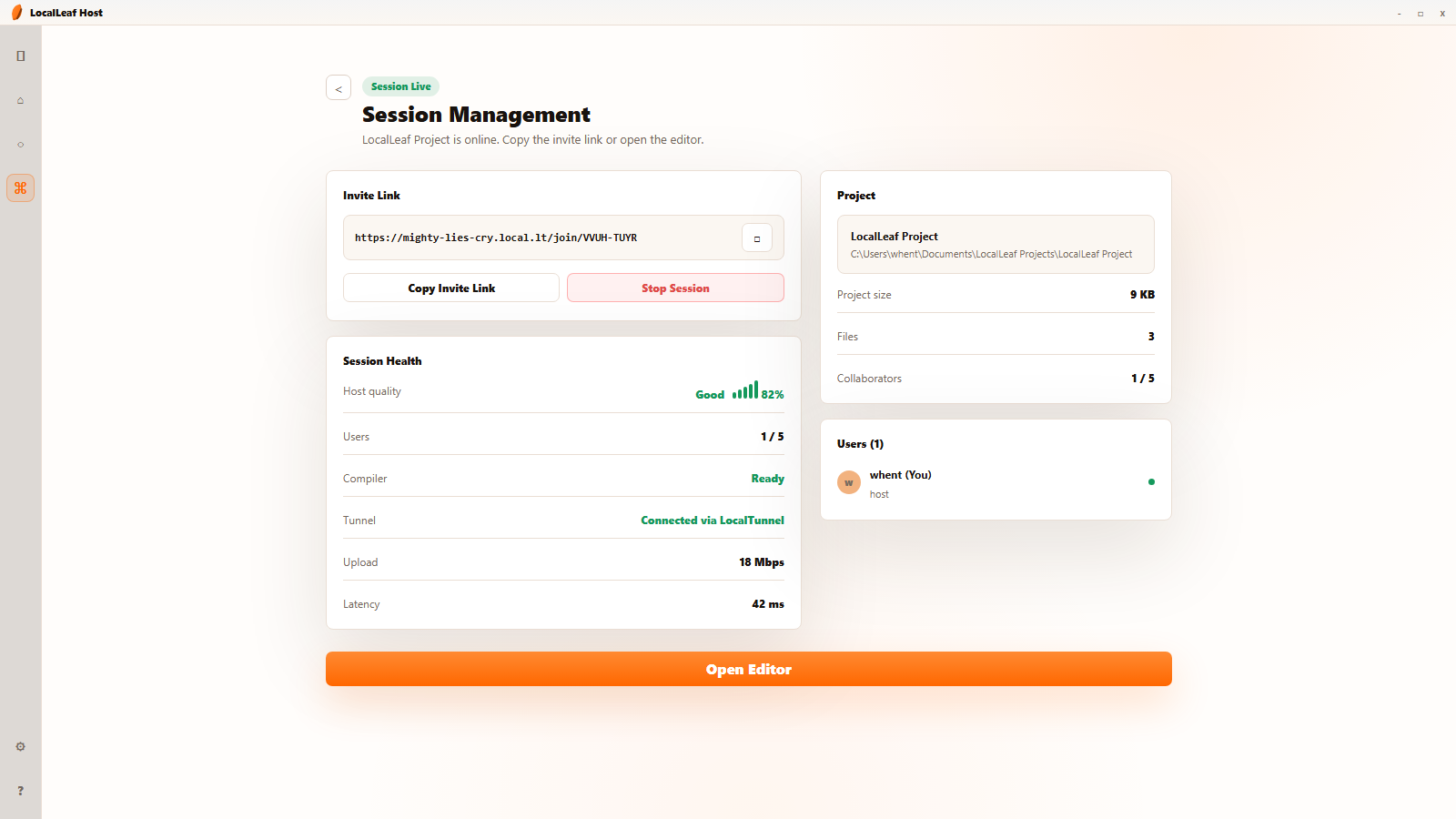
Copy the temporary link, approve guests, and stop the room when the draft is done.
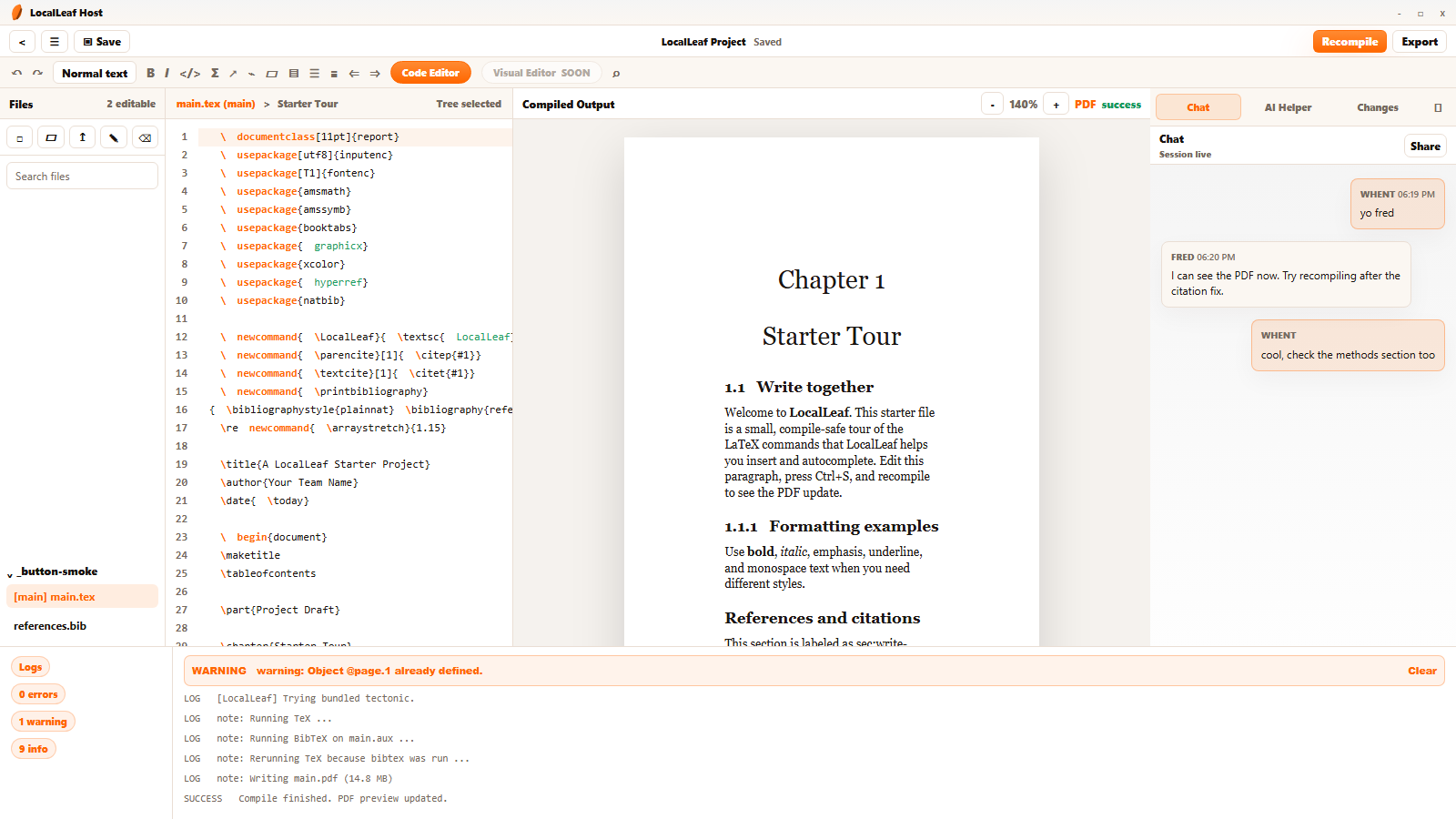
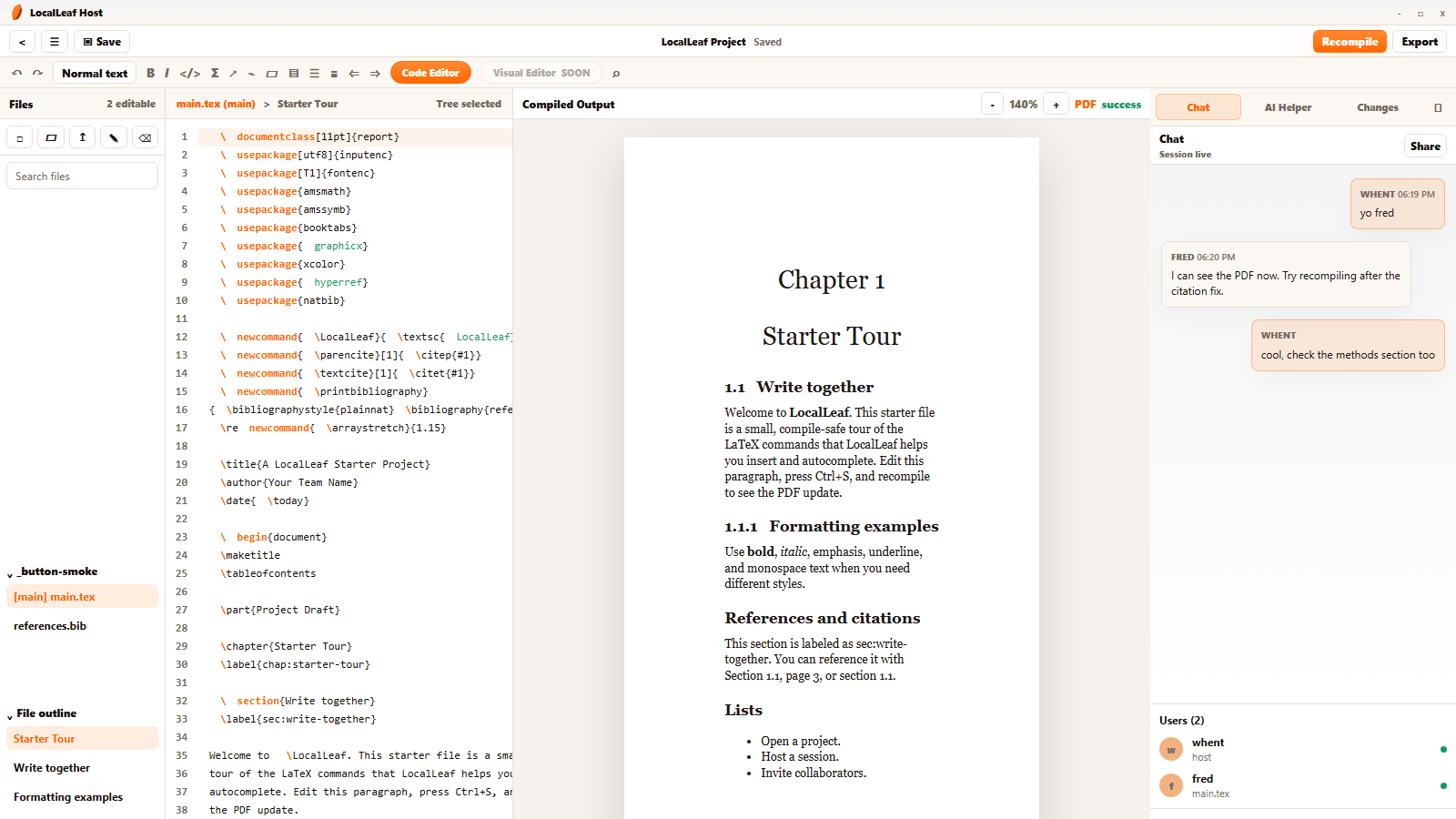
Open a project, share a link, approve collaborators, and write together.
No accounts. No monthly server. No cloud storage.
Your draft stays on the host computer from first edit to final PDF.
Flow
LocalLeaf uses secure temporary tunnels to connect collaborators to the host laptop, so projects stay local without renting a shared server.
Open a LaTeX folder or ZIP project from the host computer.
LocalLeaf starts the editor, compiler, session controls, and tunnel link.
Send the temporary link and approve people as they join.
Edit, chat, compile, preview, ask AI, and keep everyone in sync.
End the session. The project remains saved on the host PC.
AI
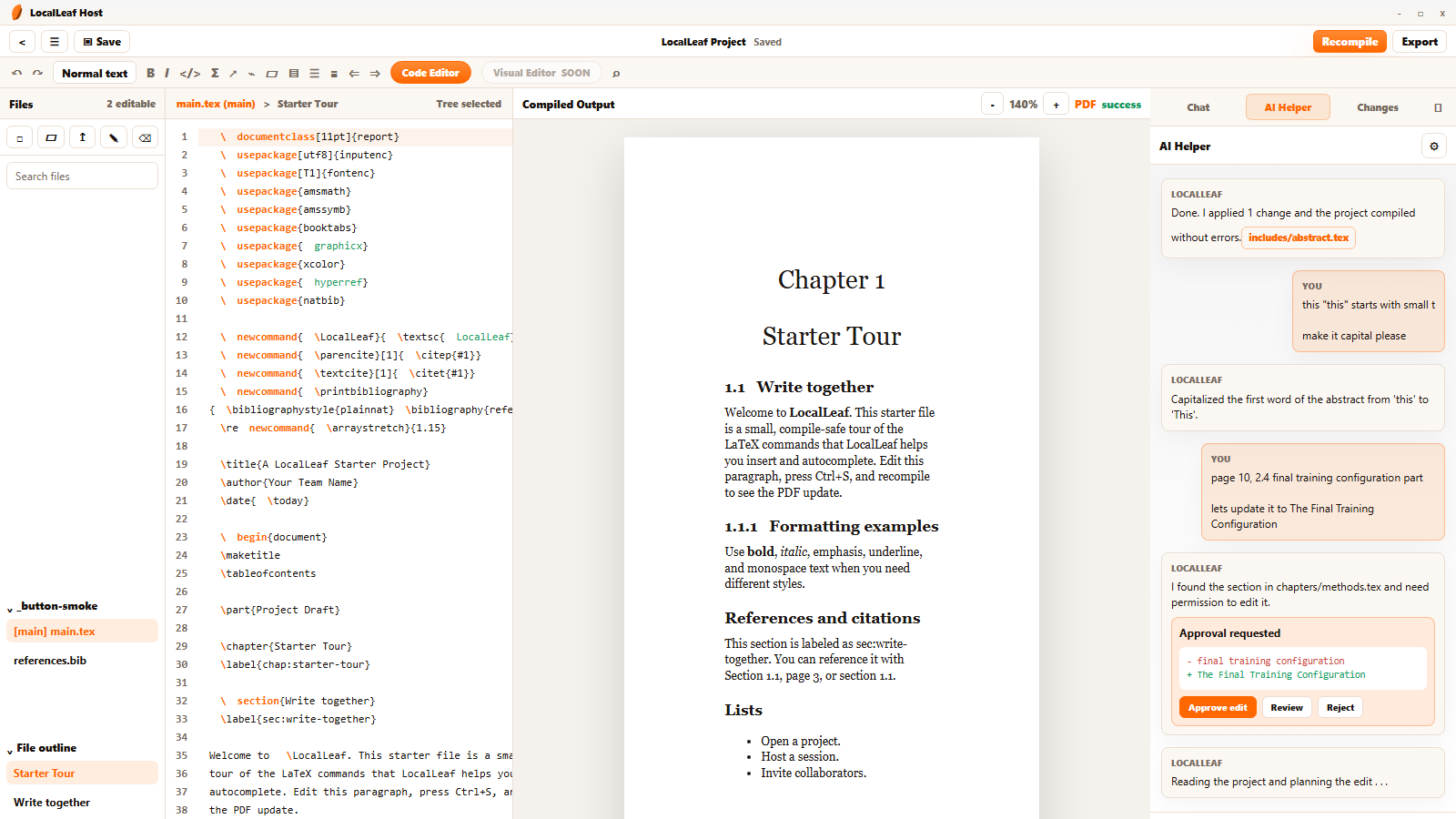
The AI Helper can read project context, explain LaTeX errors, draft safer replacements, and ask before it touches your files.

LocalLeaf gives the host a quiet control center and gives collaborators an Overleaf-style editor in the browser.
Q&A
No. Collaborators join through a browser link after the host approves them.
Yes. LocalLeaf can download supported GGUF models and run them through the bundled local runtime on the host machine.
Yes. You can connect OpenAI-compatible providers and route AI requests through your own configured key.
By default, no. LocalLeaf shows approval cards, diffs, and a Changes history before applying safe text edits.
On the host computer. LocalLeaf is designed around local files and temporary sessions.
The session ends, collaborators disconnect, and the project remains saved on the host computer.